
English follows
---------------
月に一度の、小さな習慣
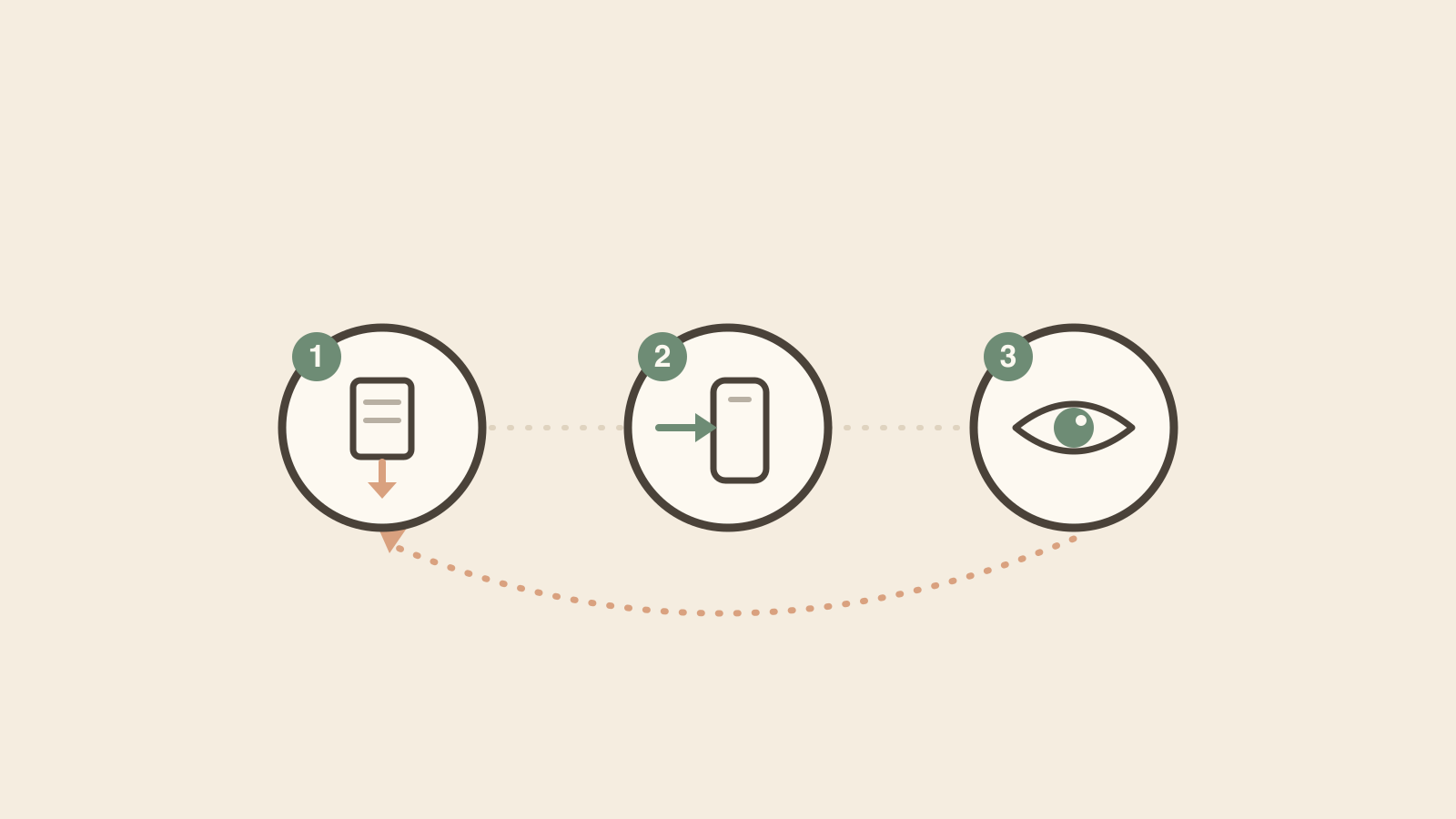
ぽけいぼの使い方は、ひと月にひとつの流れです。書き出して、取り込んで、ながめる。順番に見ていきます。
1. 書き出す
PayPayカードのアプリを開いて「請求明細」から月を選び、「明細出力」でCSVをダウンロードします。ファイルが端末に保存できたら、準備は完了です。
2. 取り込む
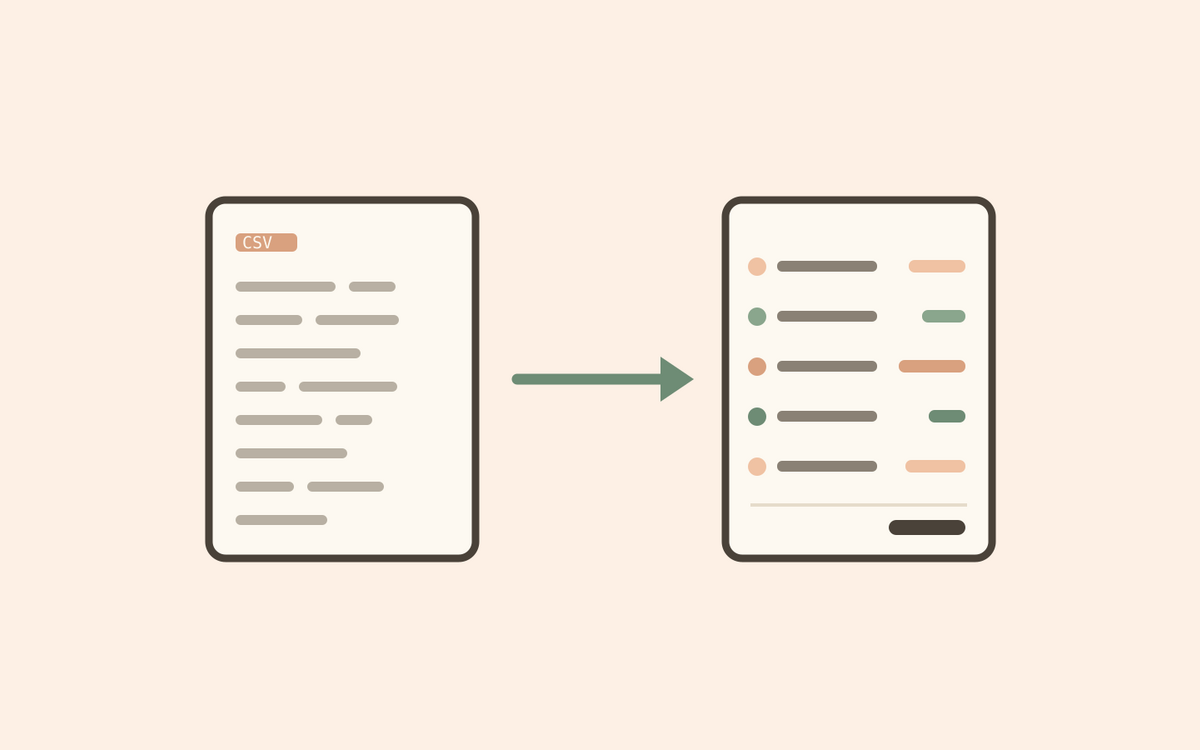
ぽけいぼでファイルを選ぶだけ。カードの直接利用もQR決済も読み取って、店名を整え、カテゴリーに振り分けます。タップ一回で、台帳ができあがります。
3. ながめる
月次ビューを開きます。コンビニ、外食、交通、ドラッグストア——分類された合計が並びます。ずれているものは直せば、ぽけいぼが覚えます。あとは、お金がどこへ行ったかを読むだけ。
それで終わりです。通知は来ません。連続記録もありません。読み終えたら、スマホを置く。来月また、同じ数分を。
A small monthly habit
Using Pokeibo is one loop a month: export, import, read. Here it is, step by step.
1. Export
Open the PayPay Card app, tap 請求明細 and pick your month, then download the CSV from 明細出力. Once the file is on your device, you're ready.
2. Import
Just pick the file in Pokeibo. It reads both your direct card purchases and QR payments, tidies the merchant names, and sorts everything into categories. One tap, and the ledger is built.
3. Read
Open the monthly view. Convenience stores, restaurants, transport, drugstores — categorized totals, lined up. Fix anything that's off and Pokeibo remembers. Then simply read where the yen went.
That's the end of it. No notifications. No streak to keep. When you're done, put the phone down — and come back next month for the same few minutes.